Overview
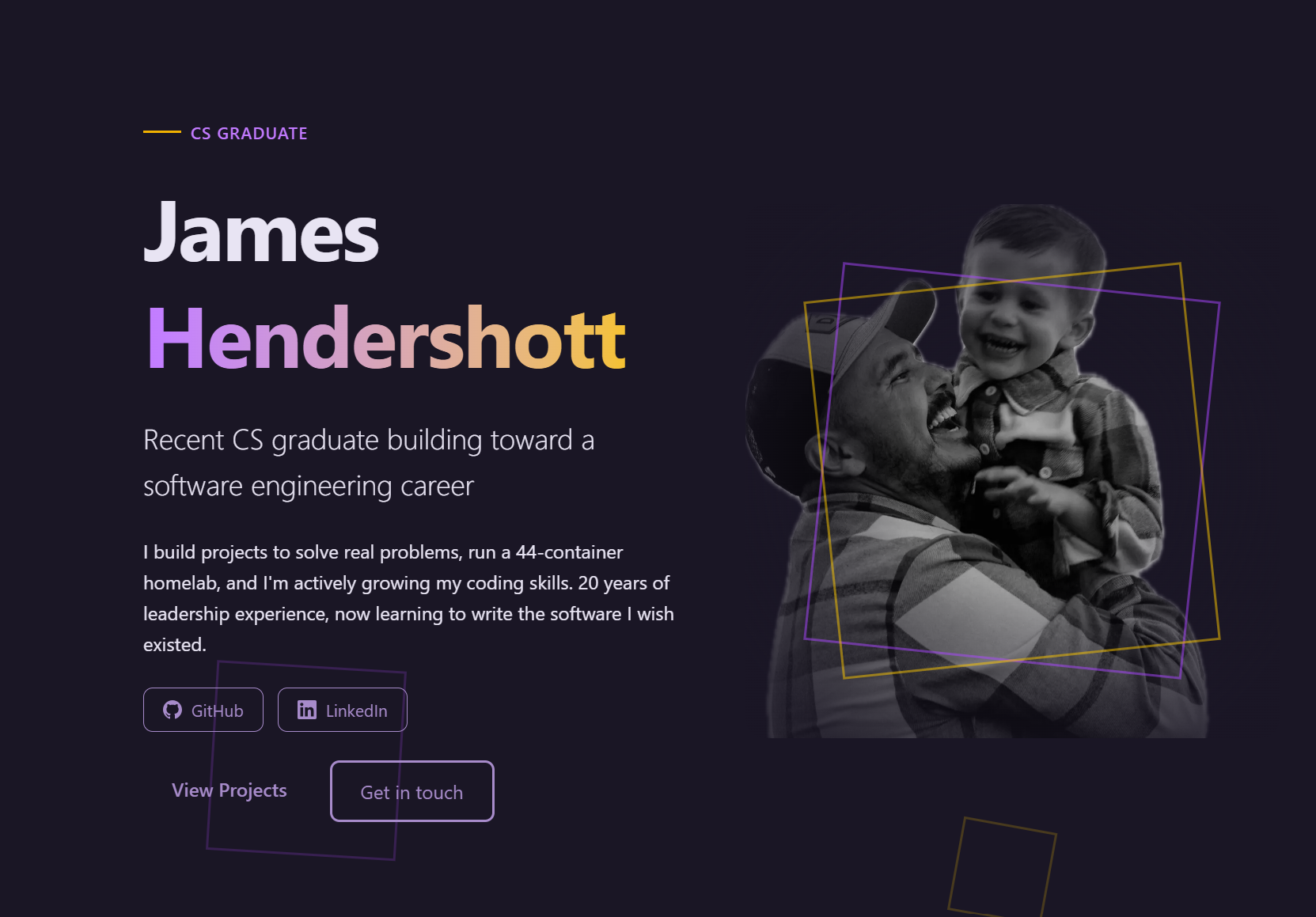
This is the site you're looking at. It's a Next.js site where each project is an MDX case study.
What's honest here: I started this site myself and made all the content and structure decisions. AI helped significantly with CSS, design polish, and component styling. The words are mine. The layout decisions are mine. The visual polish had a lot of AI assistance.
Tech Stack
- Framework: Next.js 16 (App Router) with React 19
- Language: TypeScript
- Styling: Tailwind CSS v4
- Content: MDX via
next-mdx-remote+gray-matterfor frontmatter - Resume: Server-side PDF generation with PDFKit (API route)
- Deployment: Netlify
What I Did
- Chose the tech stack and set up the project
- Wrote all project case studies and page content
- Decided on the MDX content pipeline approach
- Set up Netlify deployment
- Made the decision to be honest about AI usage on every project page
What AI Helped With
- CSS and Tailwind styling
- Component structure and polish
- Design system (colors, spacing, typography)
- Responsive layout adjustments
- Dark mode implementation
Content Pipeline
Project pages are .mdx files in content/projects/ with frontmatter metadata. At build time, gray-matter extracts the metadata and next-mdx-remote compiles the MDX. Adding a new project means dropping in a new .mdx file.
What I Learned
- MDX content pipelines with frontmatter parsing and dynamic routing
- Server-side PDF generation with PDFKit
- Netlify deployment and form handling
- The importance of honest project descriptions